
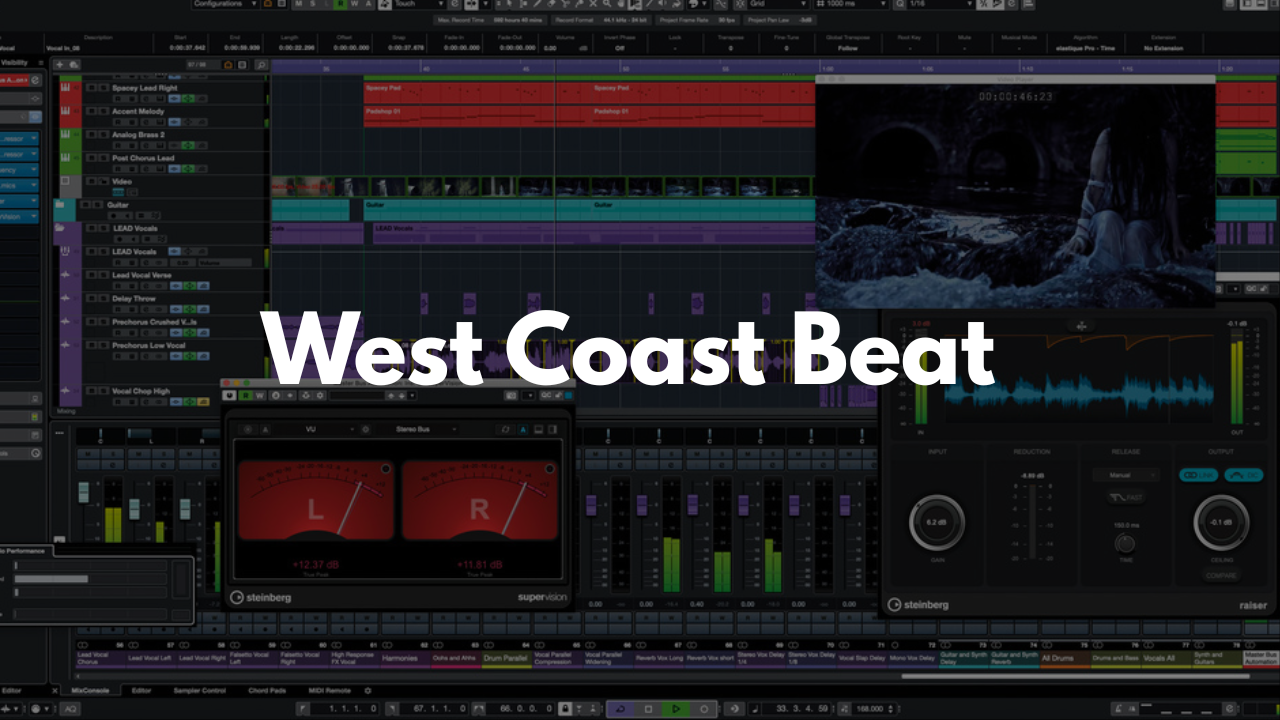
West Coast Beat Template - Cubase
Stock Plugins
$20.00$9.99
Build authentic West Coast–style instrumentals with a Cubase template designed for fast production and clear organization. Every sound category is grouped and labeled so you can focus on creating grooves, melodies, and arrangements without digging through cluttered tracks.
Who It’s For
Producers creating West Coast, G‑funk, or modern Cali‑influenced beats
Beginners who want a structured starting point
Beatmakers who prefer organized groups for faster mixing
Anyone looking for ready‑to‑use sounds tailored to the West Coast style
What’s Inside
Instrument Groups
All instruments are organized into labeled groups like DRUMS, STRINGS, and more, making routing and mixing simple.Drums
Two full drum kits are included. Most producers use the first kit as the main drums and the second for added percussion or layering.Bass
Two synth bass options with different tones—great for classic West Coast low‑end or more modern variations.Pads
Four pad‑style instruments designed to fill space in the beat. Not all are traditional pads, but each serves the same atmospheric role. Customize as needed.Strings
Two string options: Violins and Violas, perfect for melodic accents or classic West Coast textures.Leads
Five lead instruments chosen specifically for West Coast Hip‑Hop melodies. These are meant to carry the topline and can be customized to fit your style.FX Tracks
FX Track 19 – Reverb: Basic reverb for adding space
FX Track 20 – Delay: Basic ⅛‑note delay for rhythmic echoes
FAQ
Do I need third‑party plugins?
No. Everything works with stock Cubase tools, though you can swap in your own plugins if you prefer.
Can I customize the instruments?
Yes. All sounds can be replaced, tweaked, or expanded to match your workflow.
Is this template beginner‑friendly?
Definitely. The grouped layout makes it easy to understand and navigate.
What genre is this best for?
It’s tailored for West Coast Hip‑Hop, but it works well for G‑funk, modern Cali beats, and similar styles.
Brandon Mixing
www.BrandonMixing.com
brandon@brandonmixing.com
@moozbeatz