
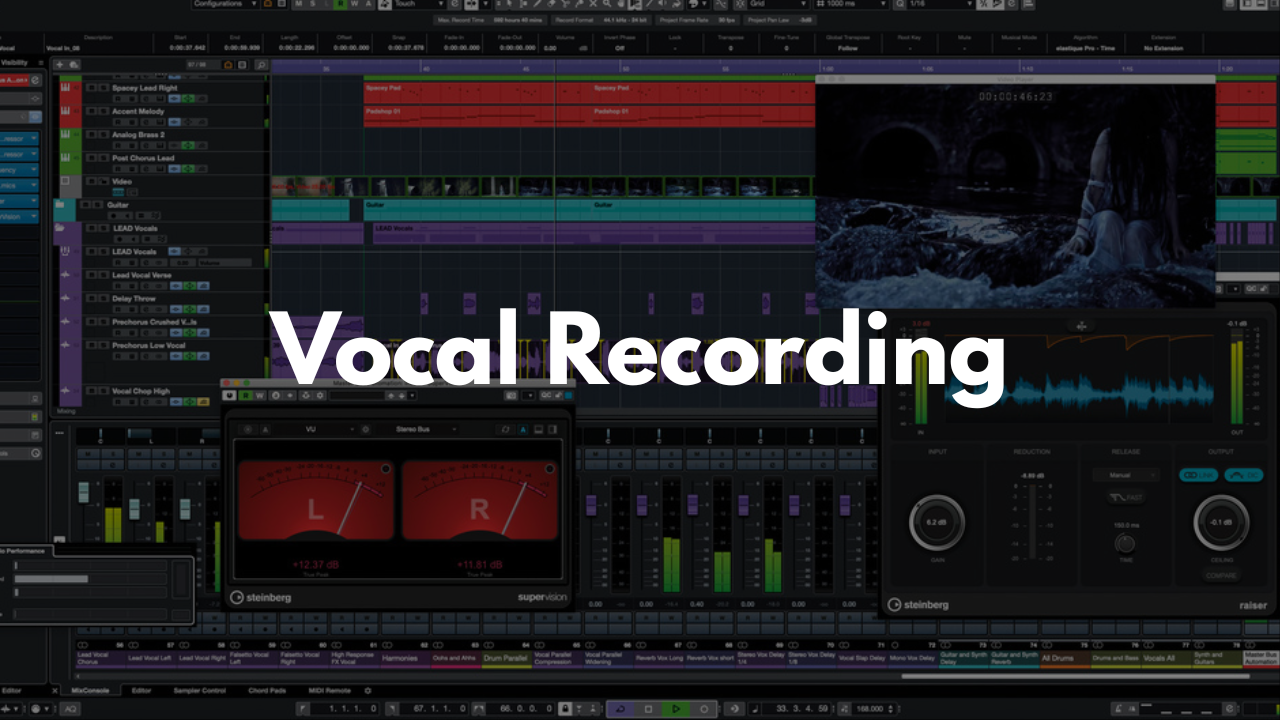
Vocal Recording Template - Cubase
Stock Plugins
$20.00$9.99
Streamline your vocal‑tracking workflow with a clean, organized Cubase template built for fast setup and professional results. Whether you're recording yourself or working with artists, this template gives you a polished starting point so you can focus on capturing great performances instead of building sessions from scratch.
Who It’s For
Artists recording vocals at home or in the studio
Producers who want a consistent, ready‑to‑go vocal workflow
Engineers looking to speed up their tracking process
Beginners who want a simple, organized session layout
Anyone tired of rebuilding vocal chains every time they start a new project
What’s Inside
References Folder
A dedicated section to drop your instrumental, reference tracks, or demo vocals. Easily mute/unmute as needed while recording.Lead Vocal Track Group
Pre‑routed through a labeled bus (“LEAD VOX BUS”) with basic mixing and FX routing already in place. Just enable the bus and adjust to taste.Adlibs & Background Vocal Groups
Matching workflow to the lead vocal setup—organized, routed, and ready for quick recording.FX Section
Hall Reverb, Plate Reverb, and Delay tracks already created and routed for easy control and fast dialing‑in.
FAQ
Do I need any third‑party plugins?
No. The template works with stock Cubase tools, though you can add your own plugins if you prefer.
Is this beginner‑friendly?
Yes. Everything is labeled, routed, and structured so even new Cubase users can start recording immediately.
Can I customize the template?
Absolutely. Adjust tracks, FX, routing, or layout and save your own personalized version.
Does this work for all genres?
Yes. The workflow is universal—great for rap, pop, R&B, rock, voiceover, and more.
How do I install it?
Open the project in Cubase, then go to File > Save as Template… to save it for future sessions.
Brandon Mixing
www.BrandonMixing.com
brandon@brandonmixing.com
@moozbeatz