
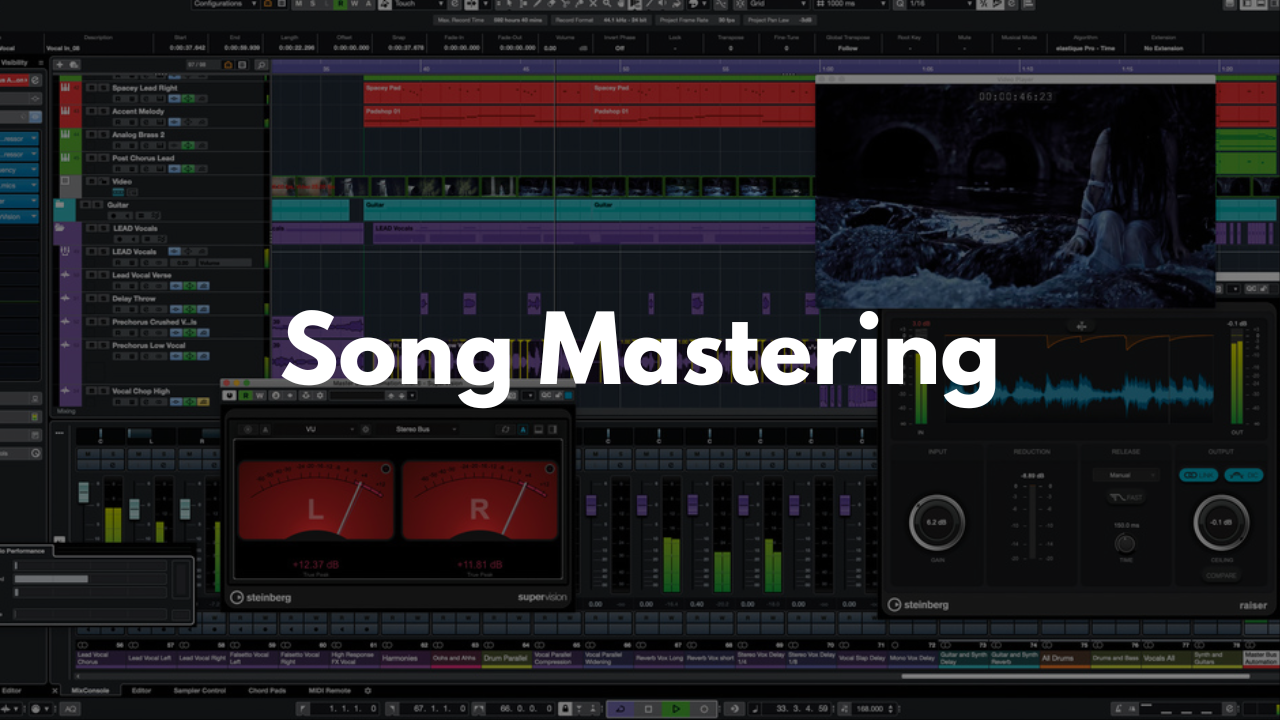
Song Mastering Template - Cubase
Stock Plugins
$20.00$9.99
A simple, efficient Cubase template designed to help you master multiple tracks in one organized session. Whether you're finalizing singles, EPs, or full projects, this layout keeps everything clear and easy to manage without overcomplicating your workflow.
Who It’s For
Producers and engineers who want a clean mastering workspace
Artists mastering their own music
Beginners who need a straightforward starting point
Anyone looking to compare and process multiple songs in one project
What’s Inside
References Track
Drop in your reference song or any demo material you’re comparing against. Mute/unmute as needed while adjusting your master.Tracks 1–4
These tracks are where all mastering processing takes place. The layout allows you to load multiple songs into the same project and master them side‑by‑side for consistency.
FAQ
Do I need third‑party plugins?
No. You can use stock Cubase tools or add your own preferred mastering chain.
Can I master multiple songs at once?
Yes. Tracks 1–4 are set up specifically for mastering several songs within the same session.
Is this beginner‑friendly?
Absolutely. The template is intentionally simple and easy to navigate.
How do I save it as a template?
Open the project in Cubase, then go to File > Save as Template… to store it for future mastering sessions.
Brandon Mixing
www.BrandonMixing.com
brandon@brandonmixing.com
@moozbeatz