
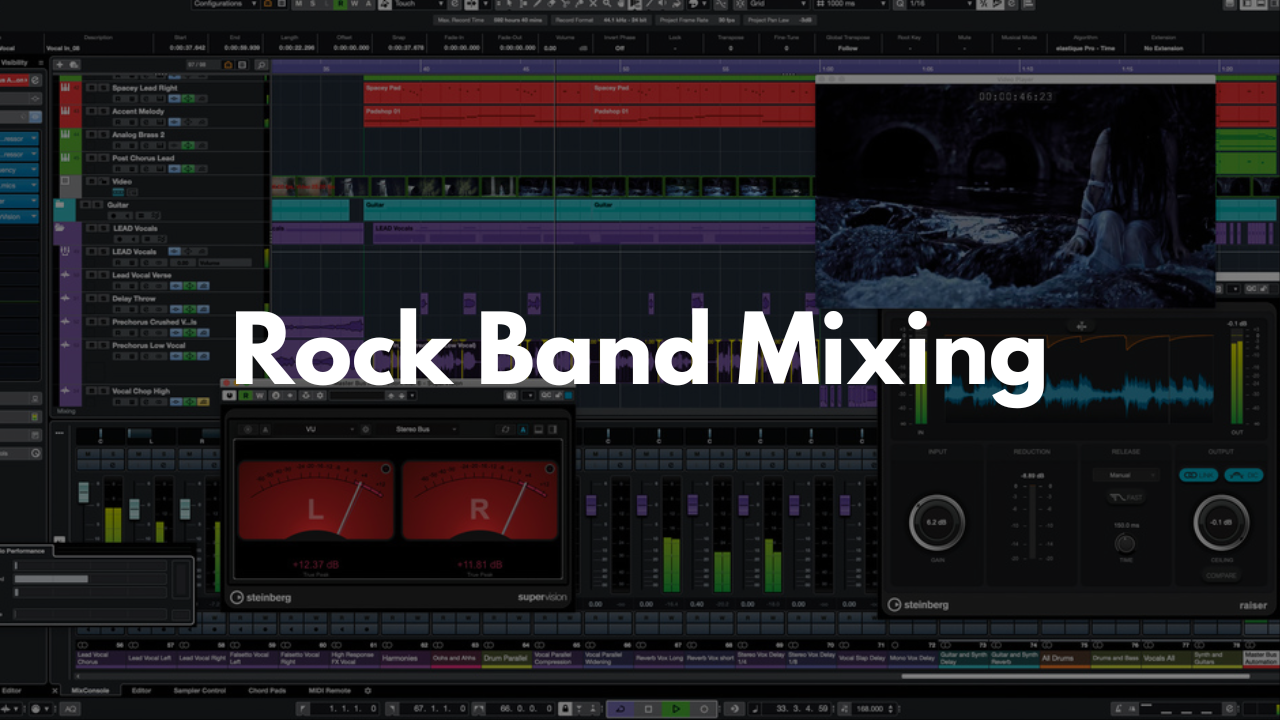
Rock Band Mixing Template - Cubase
Stock Plugins
$20.00$9.99
Mix full band productions with a clean, organized Cubase template built for clarity, control, and efficiency. This layout gives you dedicated spaces for drums, instruments, vocals, and FX so you can focus on shaping the sound of the band instead of building a session from scratch.
Who It’s For
Engineers mixing rock, alternative, indie, or live‑band recordings
Producers who want a ready‑to‑go band‑mixing layout
Beginners who need a clear, labeled session structure
Anyone looking for a consistent workflow for multi‑track band mixes
What’s Inside
References
Drop in your demo or reference tracks here. Use mute/solo as needed while dialing in your mix.Drums
A full drum section with Fat Channel Strips on every track—EQ, compression, gates, and HPF where appropriate. All drum channels are pre‑routed to FX, so if you want reverb, simply turn up the send.Instruments
All instruments are organized into Group Tracks for flexible mixing. Categories like drums, bass, guitars, and more are color‑coded for quick navigation. Each track includes EQ and compression where needed, with bus routing already set up.Vocals
A vocal chain designed to work for most rock‑based mixes. Adjust and refine as needed to match your song.FX Section
Three FX channels ready to go:Hall Reverb
Plate Reverb
⅛‑note Delay
Stereo Out
All tracks route to the Stereo Out, where a limiter is placed to help control peaks and overall volume.
FAQ
Do I need third‑party plugins?
No. The template uses stock Cubase tools, but you can add your own plugins if you prefer.
Is this template beginner‑friendly?
Yes. Everything is labeled and organized so even new users can navigate the mix easily.
Can I customize the routing or FX?
Absolutely. Adjust anything you like and save your own version.
What genres does this work for?
It’s built for rock and band‑based music, but it works well for indie, pop‑rock, punk, and similar styles.
How do I save it as a template?
Open the project in Cubase, then go to File > Save as Template… to store it for future mixes.
Brandon Mixing
www.BrandonMixing.com
brandon@brandonmixing.com
@moozbeatz