
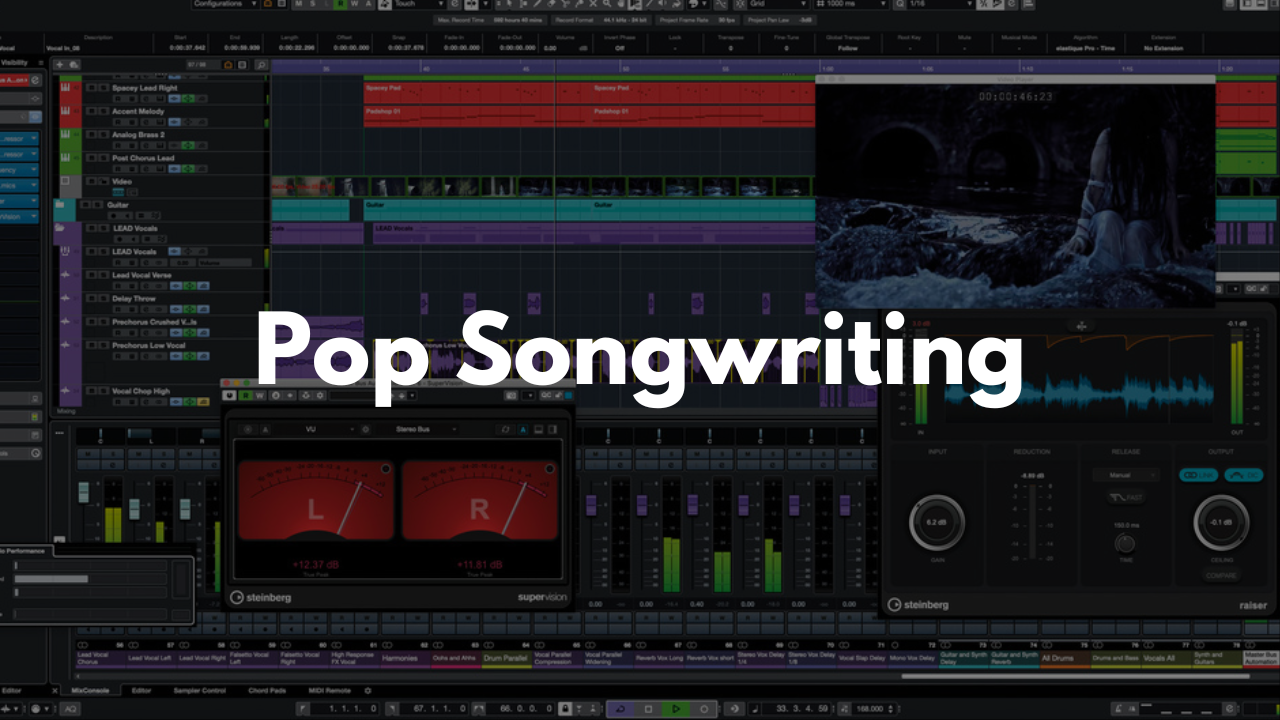
Pop Songwriting Template - Cubase
Stock Plugins
$20.00$9.99
Jump straight into writing and producing polished pop ideas with a Cubase template built for creativity and speed. This layout gives you instant access to drums, bass, keys, guitars, vocals, and FX so you can sketch, arrange, and record without stopping your flow.
Who It’s For
Songwriters building pop, rock‑pop, worship‑pop, or radio‑ready demos
Producers who want a fast, organized starting point
Artists who need a simple layout to capture ideas quickly
Beginners looking for a clear, structured songwriting session
What’s Inside
Drums
Two MIDI drum kits:An acoustic pop‑style kit
A percussion‑focused kit
Both can be played and edited like standard MIDI instruments.
Bass
Two acoustic MIDI bass options plus a Bass Input track for DI recording if you have a real bass guitar.Pads
A selection of pads and soft keys designed to add atmosphere, texture, and background movement.Keys
Traditional piano‑style instruments chosen for pop, rock, and worship‑inspired songwriting. These tracks are grouped for clean routing and easy mixing.Strings
A couple of MIDI string options for adding emotion, lift, or dynamic transitions.Guitar Inputs
Electric Guitar Input with an amp setup ready for DI recording
Acoustic Guitar Input optimized for microphone recording
Leads
A handful of melodic instruments perfect for topline writing or hook ideas.Vocal Input
A pop‑focused vocal chain already set up. Assign your input and you’re ready to record immediately.FX Tracks
FX 1 – Reverb: Basic reverb
FX 2 – Delay: Basic ⅛‑note delay
FAQ
Do I need third‑party plugins?
No. Everything works with stock Cubase tools.
Is this good for beginners?
Yes. The layout is simple, labeled clearly, and easy to navigate.
Can I customize the instruments or routing?
Absolutely. Swap sounds, add plugins, or rearrange tracks and save your own version.
What genres does this work for?
It’s built for pop, but works great for rock‑pop, worship, indie pop, and singer‑songwriter styles.
How do I save it as a template?
Open the project in Cubase, then go to File > Save as Template… to store it for future sessions.
Brandon Mixing
www.BrandonMixing.com
brandon@brandonmixing.com
@moozbeatz