
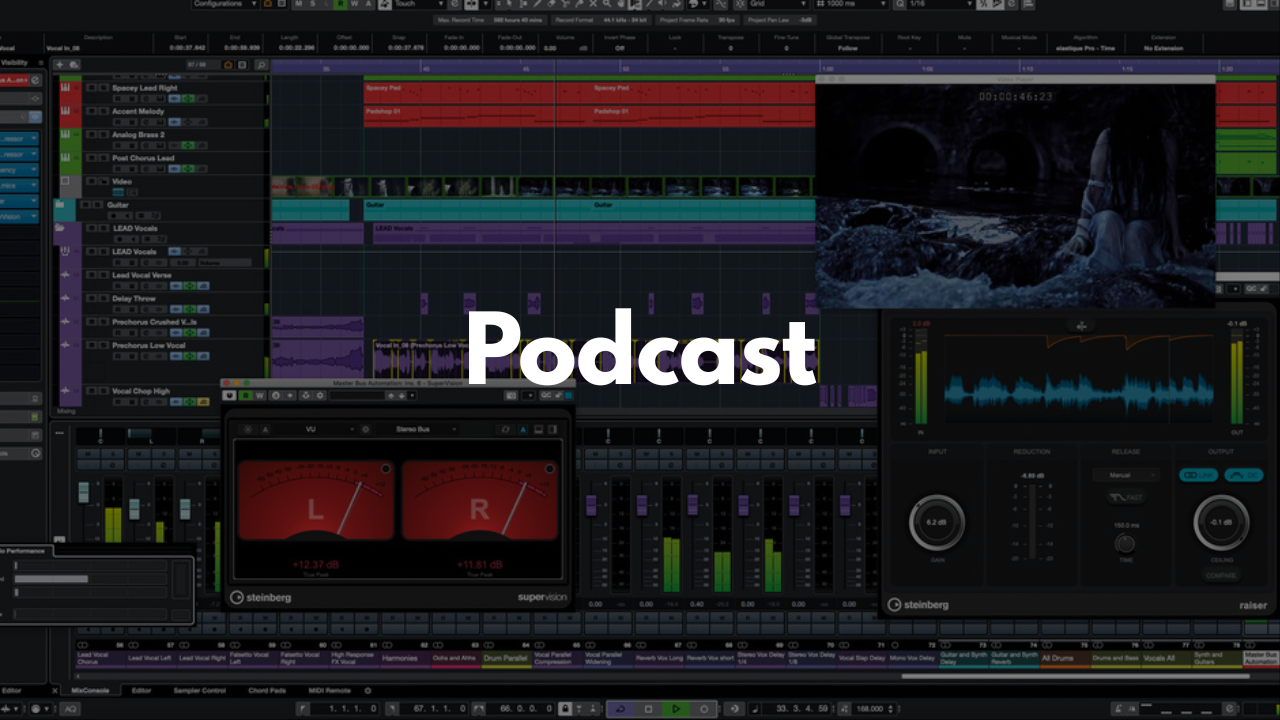
Podcast Template - Cubase
Stock Plugins
$20.00$9.99
Make your podcast sessions smoother, cleaner, and more organized from the moment you hit record. This Cubase template is built to keep every part of your production in one place—hosts, guests, music, transitions, and sponsor spots—so you can focus on the conversation instead of the technical setup.
Who It’s For
Podcasters recording solo, co‑hosted, or multi‑guest shows
Creators who want a simple, structured workflow
Producers handling live or pre‑recorded podcast sessions
Beginners who need a clear, labeled layout
Anyone who wants consistent, professional‑sounding podcast audio
What’s Inside
Speaking Mics
Dedicated tracks for your host and guests. Just enable record and input monitoring (red and yellow buttons) and select the correct input device. Perfect for clean, organized dialogue recording.Computer Media Track
Capture audio directly from your computer—ideal when showing videos, playing clips, or sharing content with your audience. Make sure the correct input channel is selected.Music Track
Drop in your background music, theme music, or any musical elements you want to use throughout the show.Sound FX Track
A space for your intro, outro, transitions, stingers, or any sound effects that help shape your show’s identity.
Sponsor Track
A dedicated lane for your ads, sponsor reads, or promotional segments so they stay organized and easy to edit.
FAQ
Do I need third‑party plugins?
No. This template works with stock Cubase tools, though you can add your own processing if you prefer.
Is this good for beginners?
Yes. Everything is labeled clearly so even first‑time podcasters can navigate the session easily.
Can I customize the layout?
Absolutely. You can rearrange tracks, add plugins, or modify routing and save your own version.
Does this work for video podcasts too?
Yes. The audio workflow is the same—you can pair it with any video setup you’re using.
How do I save it as a template?
Open the project in Cubase, then go to File > Save as Template… to store it for future episodes.
Brandon Mixing
www.BrandonMixing.com
brandon@brandonmixing.com
@moozbeatz