
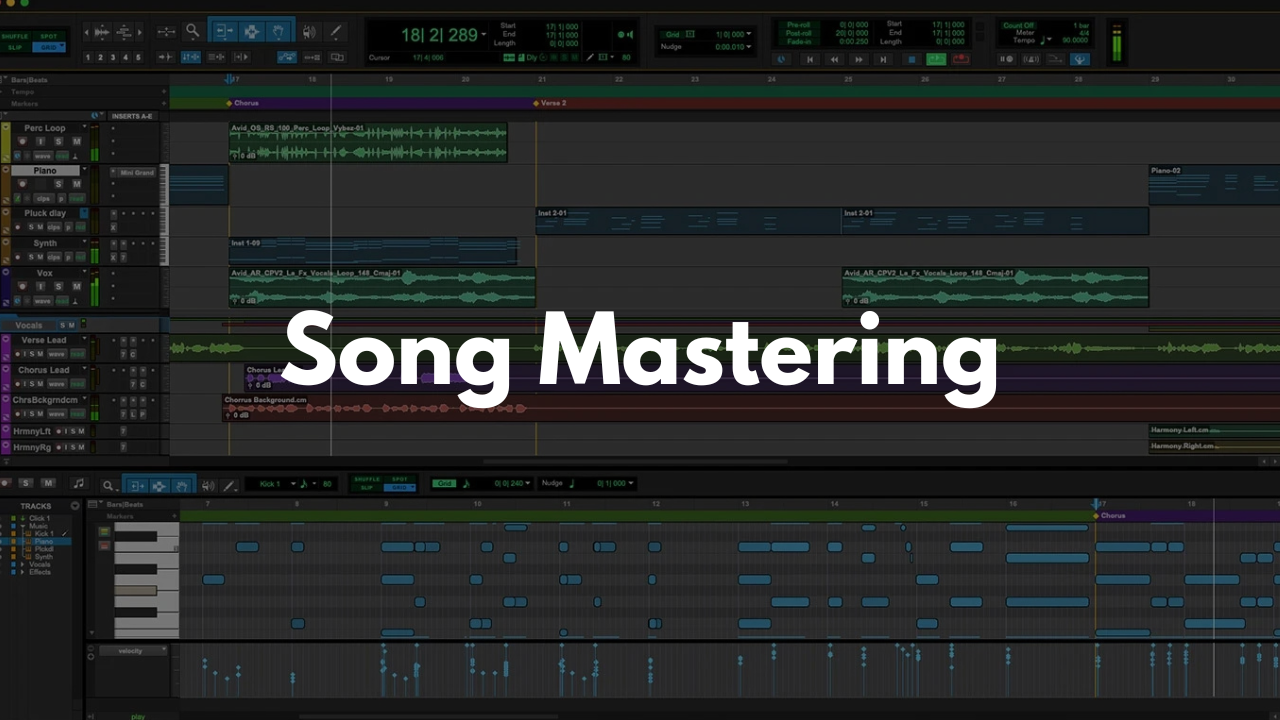
Mastering Template - Pro Tools
Stock Plugins
$20.00$9.99
This Pro Tools mastering template is built to streamline your final stage workflow without overcomplicating it. Whether you’re finalizing singles, comparing multiple versions, or working through revisions quickly, this template keeps everything organized, level-matched, and ready to print.
The session is structured for clarity and efficiency—so you spend less time routing and more time making decisions that matter.
What’s Inside
Reference Track Section
Demo reference track
Final reference track
Instrumental reference track
(Instant A/B comparison without breaking your flow)
3 Dedicated Mastering Aux Tracks
Master three different songs in the same session
Consistent processing and gain staging across tracks
Easy switching for comparison and revisions
Clean, Logical Routing
Proper master bus structure
Ready for stock or third-party plugins
No unnecessary clutter
Who This Is Best For
Producers and engineers mastering their own music
Artists releasing singles, instrumentals, or alternate versions
Engineers who want faster revisions and cleaner comparisons
Anyone tired of rebuilding mastering sessions from scratch
If you already understand basic mastering concepts and want a reliable starting point, this template fits right in.
Why Use a Mastering Template?
Mastering is about consistency and decision-making—not session setup. This template removes repetitive routing work so you can focus on loudness, balance, translation, and tone.
FAQ
Do I need third-party plugins?
No. This template works perfectly with Pro Tools stock plugins. Add your favorites if you want, but nothing is required.
Is this beginner-friendly?
It’s best for users with basic Pro Tools knowledge. If you can route buses and insert plugins, you’ll be comfortable immediately.
Can I master more than three songs?
Yes. The three aux tracks are there for fast comparisons, but you can duplicate or modify them as needed.
Does this work for different genres?
Absolutely. The template is genre-agnostic—it’s about workflow, not sound.
What version of Pro Tools is required?
Works with modern versions of Pro Tools that support aux routing and standard bus structures.
Brandon Mixing
www.BrandonMixing.com
brandon@brandonmixing.com
@moozbeatz