
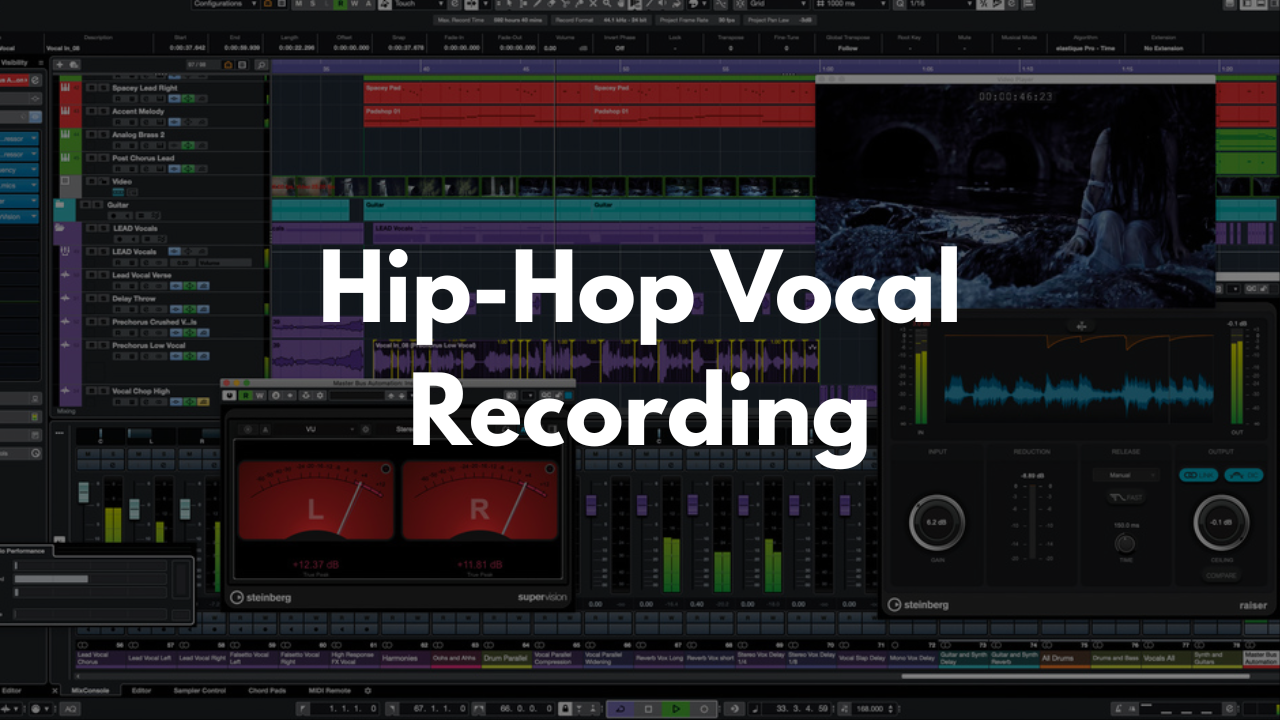
Hip-Hop Vocal Recording Template - Cubase
Stock Plugins
$20.00$9.99
Dial in clean, punchy hip‑hop vocals from the moment you open your session. This Cubase template is built for speed, clarity, and vibe—giving you a structured layout that keeps your workflow tight while letting your creativity stay front and center. No more rebuilding vocal chains or scrambling for FX routing. Just load up, hit record, and lock in.
Who It’s For
Rappers and vocalists who want a fast, reliable tracking setup
Producers crafting hip‑hop, trap, drill, or R&B vocals
Engineers who want a pre‑organized session that keeps artists moving
Beginners who need a simple, intuitive layout
Anyone who wants consistent, polished vocal recordings without technical headaches
What’s Inside
References Section
Drop your beat, demo vocals, or reference tracks here. Everything stays organized so you can switch between ideas without slowing down the session.Lead Vocal Group
A clean, pre‑routed bus (“LEAD VOX BUS”) with foundational processing already in place. Just activate the bus and shape it to your taste.Adlibs & Background Vocal Groups
Matching setups for doubles, hype tracks, and background layers—perfect for modern hip‑hop vocal stacks.FX Tracks (New Additions)
Three dedicated FX channels crafted specifically for hip‑hop vocal textures:Low Vox FX – adds weight and grit for deeper vocal layers
High Vox FX – brightens and lifts upper harmonics for adlibs or doubles
Chorus/Flanger FX – perfect for wide, animated vocal moments
Reverb & Delay Section
Hall, plate, and delay tracks already routed so you can dial in space and movement instantly.
FAQ
Does this require third‑party plugins?
No. It’s built to run with stock Cubase tools, though you can add your own favorites.
Is this template beginner‑friendly?
Yes. Everything is labeled clearly and organized so even new users can start recording right away.
Can I tweak the FX or routing?
Definitely. Adjust anything you want and save your own customized version.
Is this only for hip‑hop?
It’s optimized for hip‑hop vocals, but it works great for trap, R&B, pop, and spoken‑word styles too.
How do I save it as a template?
Open the project in Cubase, then go to File > Save as Template… to store it for future sessions.
Brandon Mixing
www.BrandonMixing.com
brandon@brandonmixing.com
@moozbeatz