
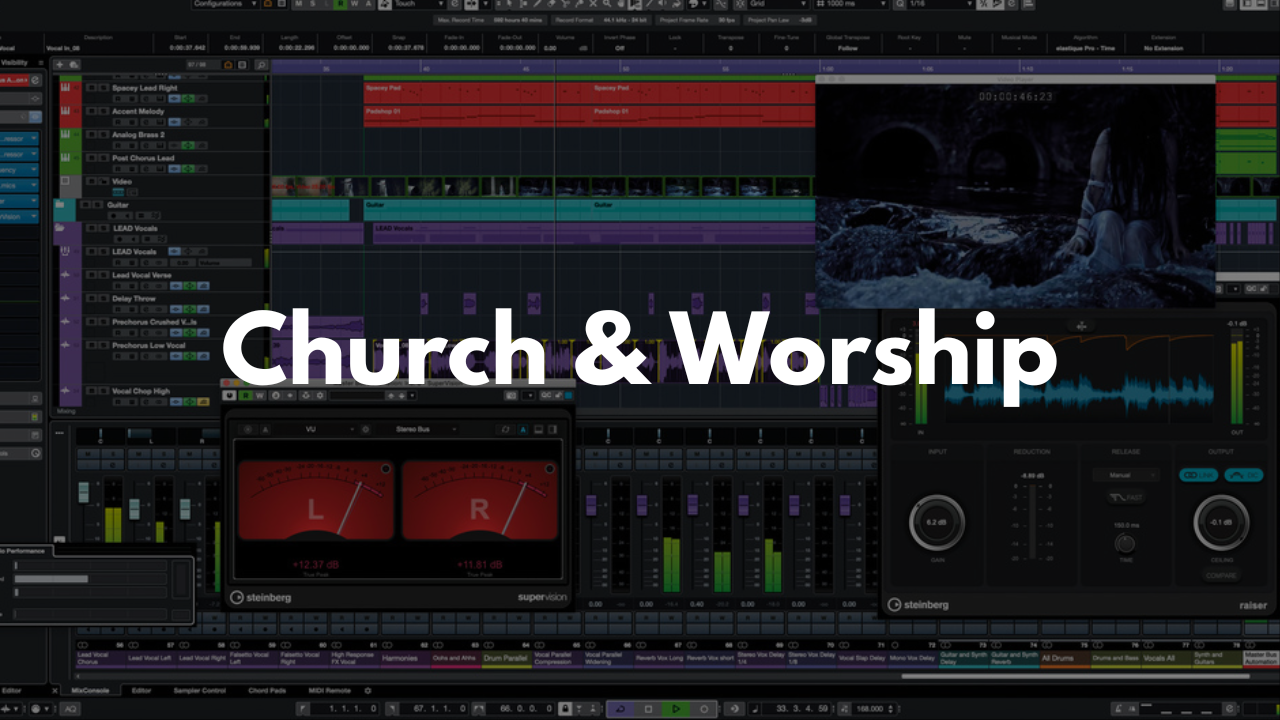
Church and Worship Template - Cubase
Stock Plugins
$20.00$9.99
Create smooth, consistent worship mixes with a Cubase template designed specifically for live church environments. Whether you're using this template to mix your livestream mix or just do some post processing, this template works perfectly.
Who It’s For
Worship leaders and church audio engineers
Volunteers who need a simple, structured layout
Churches running live bands, choirs, or playback tracks
Anyone wanting a reliable, easy‑to‑navigate worship mix setup
What’s Inside
Instrument Groups
All instruments are organized into folders and routed through bus tracks for easy control. Groups include Drums, Bass, Keys, Guitars, Vocals, Choir, and Crowd Mics—each color‑coded and structured for quick access.Playback Tracks
A dedicated track for any playback stems or tracks used to support the live band.Speaking Mics
Four tracks designed for pastors, hosts, or announcements. Each includes light processing tailored for wireless speaking mics.Computer Audio
A track for routing audio from your computer—perfect for videos, presentations, or media cues.FX Section
Hall Reverb
Plate Reverb
⅛‑note Delay
Main Stereo Out
Light mastering tools are included for volume shaping and program optimization. These are turned off by default so you can enable them only when needed.
FAQ
Is this beginner‑friendly?
Yes. The layout is simple, labeled clearly, and easy for volunteers or new engineers to understand.
Do I need third‑party plugins?
No. Everything works with stock Cubase tools.
Can I customize the routing or FX?
Absolutely. Adjust anything you want and save your own version.
What type of worship setups is this for?
It works for full bands, small teams, choir‑driven services, or modern worship with playback tracks.
How do I save it as a template?
Open the project in Cubase, then go to File > Save as Template… to store it for future services.
Brandon Mixing
www.BrandonMixing.com
brandon@brandonmixing.com
@moozbeatz